Publish & schedule
Post reviewed content on your schedule.
Add captions to the videos and posts you made, then pick the account and the time. Preview before posting and follow draft, scheduled and published status in one place.
Open publishing

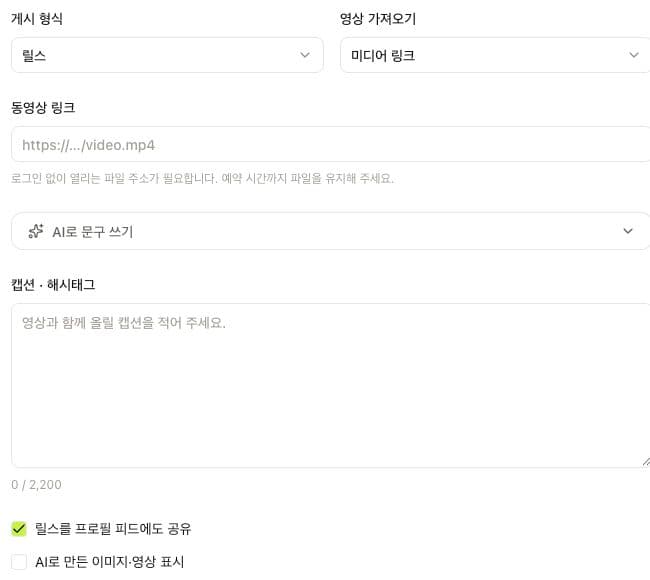
How it works.
01
Pick the account and content
Select a connected social account and the video or post to publish.
02
Set the copy and time
Polish the caption and hashtags, then schedule the post in Korea time.
03
Check the status
Review scheduled posts and results, then plan the next one.
Publishing and scheduling depend on the formats each connected platform supports and on your account permissions.
Next feature